Practical guide 8 min read
An SEO content brief turns keyword research and business knowledge into a clear page assignment. It tells the writer what the page should own, who it should help, which facts are required and how it connects to the rest of the website.
This checklist is for service pages and supporting articles. It is not a request to repeat a target phrase. A useful brief protects page ownership, improves factual quality and gives the writer enough context to create an original answer.
1. Name the page’s single primary purpose
Write one sentence describing why the page should exist. A commercial service page may help a qualified buyer understand scope and request an assessment. An informational guide may help that buyer complete a narrower task before linking to the service owner.
If the purpose cannot be distinguished from an existing URL, improve or consolidate the existing page instead of creating another one. The small business SEO audit checklist explains how page ownership fits into a wider technical and content review.
2. Record the commercial owner and supporting role
Every brief should identify the preferred commercial owner for the broader service. Supporting content can answer comparisons, costs, checklists and implementation questions, but should guide relevant readers back to that owner.
| Content role | Typical purpose | Relationship |
|---|---|---|
| Commercial owner | Explain the service and convert qualified demand | Receives links from relevant support content |
| Checklist | Help the reader complete or assess a task | Links to the owner and related next step |
| Comparison | Support a decision between approaches | Routes the suitable outcome to its owner |
| Cost guide | Explain scope and pricing factors | Links to the current commercial terms |
| Location guide | Address genuine local context | Supports the main service without claiming a false office |
3. Define the audience and stage of decision
Describe the person reading, what they already know and what decision follows the page. A first-time business owner needs different explanations from an agency operations manager. A visitor comparing providers needs different evidence from someone learning a definition.
- Audience or decision-maker.
- Problem that triggered the search.
- Knowledge the reader already has.
- Concern preventing the next action.
- Useful outcome after reading.
4. Choose a primary search intent, not a phrase list
Record the main topic and the search intent it represents. Use keyword evidence to understand terminology and demand, then check whether the current search results mainly show service pages, guides, comparisons, tools or another format.
Related phrases can help cover the subject naturally, but they do not each need their own heading. Do not combine unrelated intents merely because a research tool groups the words together.
5. Audit the existing page set before writing
List the site’s relevant pages, their purposes and current internal links. Check whether another URL already ranks, receives backlinks or answers part of the brief. Decide what should be retained, updated, merged or redirected before commissioning new copy.
This step prevents keyword cannibalisation and avoids publishing a thin variation of an article the website already owns.
6. Capture business facts and proof
Give the writer approved source material: service scope, process, locations, prices, limitations, account ownership, screenshots, examples and policies. Mark which statements require client or subject-expert confirmation.
Do not ask the writer to invent statistics, customer results, qualifications, guarantees, office locations, prices or warranty periods. When evidence is unavailable, use a transparent explanation or leave a confirmation note in the draft.
7. List the questions the page must answer
Build the outline around reader decisions rather than an arbitrary word count. Prioritise questions using customer conversations, site search, support messages, Search Console and relevant search-result patterns.
Separate essential questions from optional depth. The writer should understand which answer is critical near the top and which supporting explanation can appear later.
8. Design a useful heading structure
Use one descriptive H1 for the page. H2 headings should identify the major decisions or steps, while H3 headings can divide a genuinely complex section. Do not select heading levels for visual size.
The outline should be understandable when read on its own. Avoid several headings that repeat the same keyword with only a location or adjective changed.
9. Specify tables, checklists and examples
Structured elements should make a relationship easier to understand. A comparison table is useful when the reader must evaluate the same attributes across options. A checklist is useful when the reader must complete repeatable actions.
Examples should clarify a method, not pretend to be client results. Label hypothetical situations accurately and keep them consistent with the business’s real capabilities.
10. Plan internal links before drafting
Give the writer the URLs and reason for each link. Include the commercial owner, the previous step, the next guide and the conversion route. Use anchor text that explains the destination in the surrounding sentence.
- One clear link to the commercial owner.
- One or more relevant sibling resources where they help the reader.
- A link from the owner or another established page back to the new guide.
- No links to redirected, retired or unrelated pages.
- No forced exact-match anchor repeated across every article.
11. Define the conversion path
State the action that naturally follows the content. A checklist may lead to an audit request; a comparison may lead to a scoped consultation. The call to action should explain what information the visitor should send and what happens next.
Do not interrupt every section with a generic sales button. Helpful content and a clear final route can qualify the enquiry better than repeated urgency.
12. Plan images and alternative text
Specify whether the page needs a process diagram, screenshot, photograph, table or original illustration. The image should support the topic and remain readable at the size used.
Alternative text should communicate the relevant visual information, not repeat the focus keyword. Decorative images can use empty alt text when they add no content. Record licences and required attribution in the media library.
13. Draft the title and description for the right intent
The SEO title should distinguish the page and describe the benefit or format honestly. The meta description should summarise the useful scope and encourage the right visitor to choose the result.
Keep each title and description unique. Search engines may rewrite them, so the visible page must still make its purpose clear.
14. Use structured data only when the content supports it
Choose schema that accurately describes the page. A visible FAQ can support FAQ structured data; an article can use Article or BlogPosting; a genuine commercial service owner may use Service.
Structured data does not replace visible answers and does not guarantee a special search result. Avoid duplicate entities generated by several plugins or templates.
15. Define the review workflow
Assign separate review responsibilities for factual accuracy, search intent, editorial quality and final publication. One person may fill several roles on a small project, but the checks should remain explicit.
- Writer confirms the brief and missing inputs.
- Subject owner reviews facts, limitations and claims.
- SEO reviewer checks ownership, intent, headings and links.
- Editor checks clarity, originality and consistency.
- Publisher verifies the rendered desktop and mobile page.
- Owner records the URL, purpose and future update trigger.
16. Verify the rendered page after publication
Check the live output, not only the editor. Confirm HTTP status, one H1, self-canonical, indexability, title, description, social image, image alt text, working links and visible FAQ/schema consistency.
Submit or request indexing only after the page is ready for visitors. Link it from the commercial owner or a relevant established page so it is not left as an orphan.
17. Set an update trigger
Record what should cause a review: changed service scope, new pricing, a moved URL, product release, search-intent shift, outdated screenshot or weak conversion quality. An update should improve the same page unless the purpose has genuinely changed.
Use Search Console and analytics trends as evidence, but consider seasonality, tracking changes and business capacity before attributing movement to one edit.
SEO content brief template
- Working title and URL: proposed, not automatically final.
- Primary purpose: the unique reason this page should exist.
- Commercial owner: service page the content supports.
- Audience and decision: who reads and what happens next.
- Primary intent: topic, market and expected result format.
- Existing-page review: retain, improve, merge or redirect decisions.
- Approved facts: sources, evidence and required confirmations.
- Required questions: essential answers in priority order.
- Outline: one H1, useful H2s and necessary H3s.
- Visuals: purpose, source, licence and alt-text guidance.
- Internal links: destinations and reason for each.
- CTA: next action and information requested.
- Metadata and schema: unique fields supported by visible content.
- Reviewers: facts, SEO, editorial and publication owners.
- Measurement: query, page and conversion evidence to review.
- Update trigger: events that require another review.
Frequently asked questions
Is an SEO content brief only for blog posts?
No. Service pages, comparison pages, guides and location content also benefit from a clear purpose, audience, evidence, page ownership and internal-link plan.
How many keywords should an SEO content brief include?
Use one primary intent and enough related terminology to explain the subject naturally. A long phrase list is not a substitute for understanding the reader’s task and the page’s unique role.
Should the writer copy the pages already ranking?
No. Search results can reveal likely intent and common questions, but the article should use original structure, approved business facts and genuinely useful explanations.
Who should approve an SEO article?
A subject owner should confirm facts and claims, while an SEO or editorial reviewer checks intent, ownership, clarity and links. The final publisher should verify the rendered page.
Need help turning research into owned pages and useful supporting content? Review Agal Technologies’ SEO services in Coimbatore, read how SEO supports a small business, and send the website and priority services for a scoped review.
WEBSITE PACKAGES
Choose the build that fits your business now
Clear starting scope. Extra work is priced before we begin.₹4,999 + GST
Up to 10 pagesDevelopment-time on-page SEO · extra content pages ₹300 each
Request a detailed quote →₹9,999 + GST
Up to 25 pagesSEO-ready structure · extra content pages ₹300 each
Request a detailed quote →₹9,999 + GST
Store build + hosting · up to 50-product catalogueProduct writing, image cleanup and SEO: ₹500 per product
Request a detailed quote →₹4,999 + GST
Up to 20 optimized productsExtra product ₹500 · extra standard page ₹250
Request a detailed quote →Visiting Card Website
Your business card, ready to share anywhere
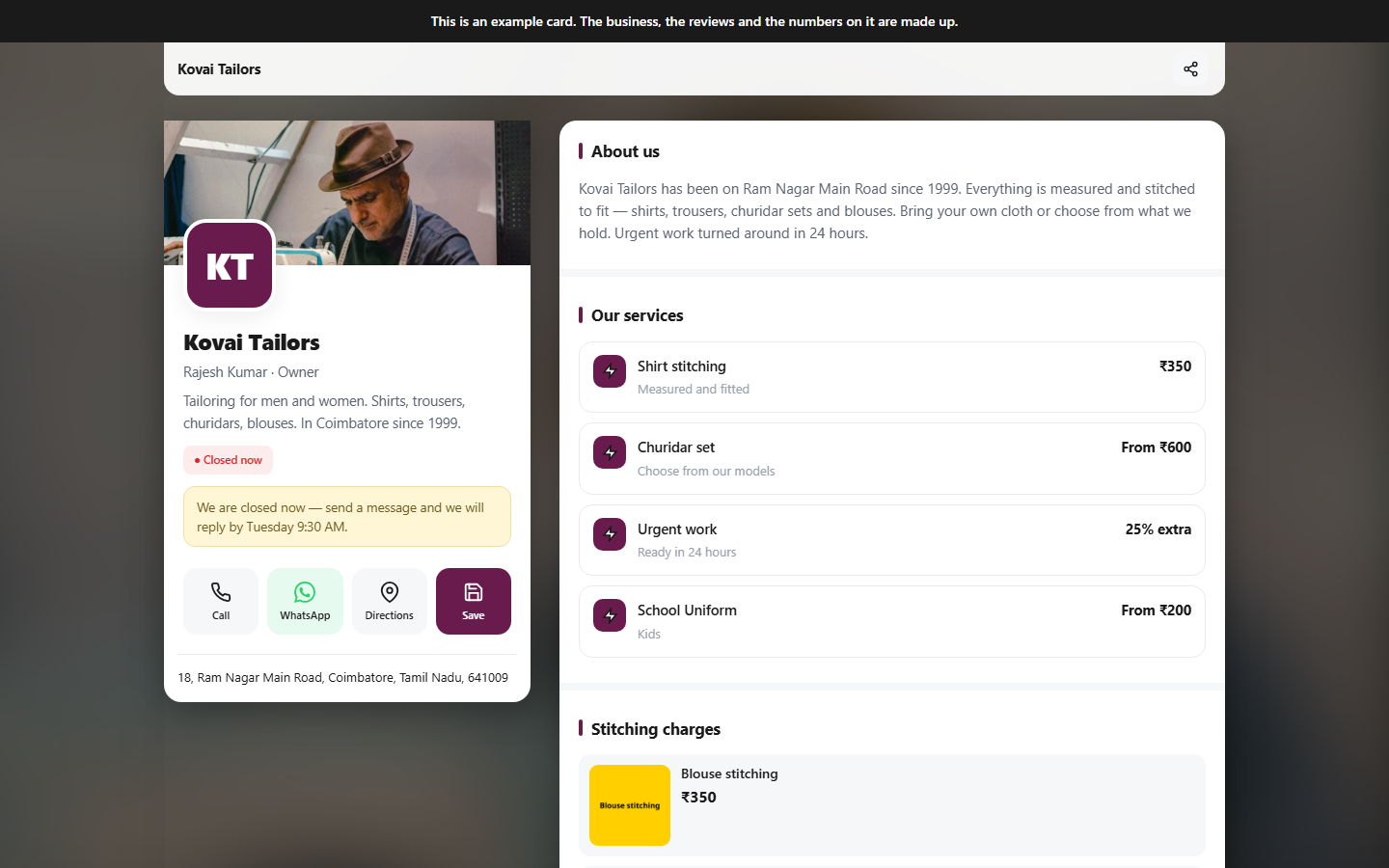
A complete mobile-friendly business website that customers can open, save and share from any device.
- Mobile editing with automatic saving
- Call, WhatsApp, directions and save contact
- Services, products, prices, gallery and opening hours
- Enquiries, quotations, bookings and business tools
- Google reviews, SEO checks and visitor analytics
- Own domain, hosting, SSL and two business emails
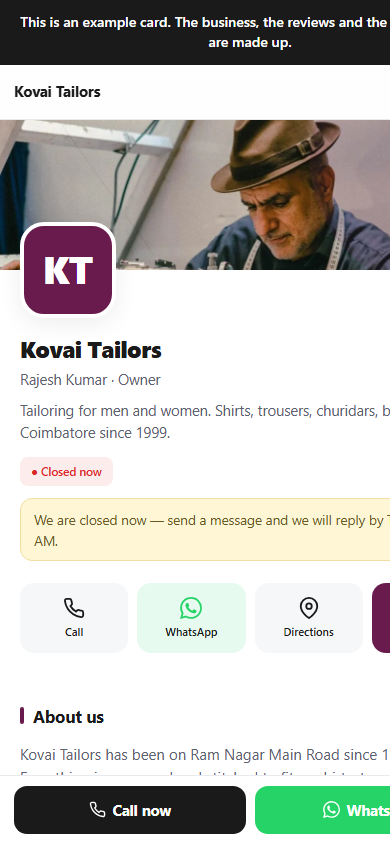
Responsive on every screenDesktop · tablet · mobile
Related Blogs