
Practical guide 8 min read
Flutter vs React Native is not a contest with one correct winner for every mobile app. Both can support Android and iOS delivery, but they use different languages, rendering approaches, libraries and team workflows. The practical choice depends on your product interface, integrations, existing skills, release plan and long-term ownership.
This guide gives business owners and product teams a neutral way to compare the two frameworks before requesting an estimate. If the product requirements are not yet documented, start with our mobile app development planning checklist.
Flutter vs React Native at a glance
| Decision area | Flutter | React Native |
|---|---|---|
| Primary language | Dart | JavaScript or TypeScript |
| Interface approach | Flutter supplies and renders its own composable widget system | React components are connected to native platform views and capabilities |
| Team fit | Useful when the team is ready to standardise on Dart and Flutter | Useful when the team already has strong React and JavaScript or TypeScript experience |
| Custom visual systems | A consistent, highly controlled interface can be composed from Flutter widgets | Can align closely with platform UI while sharing product logic and component patterns |
| Platform-specific work | Plugins, platform channels or native modules may be required | Platform APIs, native modules and platform-specific files may be required |
| Existing product fit | Can be added as a module to some existing applications | Can suit organisations already using React patterns and JavaScript tooling |
| Best way to validate | Build a small technical spike covering the riskiest device feature, integration and user journey | |
The table is a starting point, not a scoring system. A requirement that is minor for one product—such as deep camera control, background location, Bluetooth or a third-party SDK—can be the deciding constraint for another.
How Flutter works
Flutter is a cross-platform UI toolkit built around Dart. Its framework uses a declarative, reactive widget model. Flutter’s engine handles core rendering, text and runtime services, while platform embedders connect the application to Android, iOS and other supported operating systems.
This approach gives a product team detailed control over a shared visual system. It can be attractive for branded interfaces, custom interactions and products that need consistent behaviour across supported devices. It does not remove platform work: payments, maps, notifications, authentication, cameras and other device services still depend on platform permissions, SDK support and testing.
For the current technical model, see the official Flutter architectural overview and supported-platform reference.
How React Native works
React Native lets teams build mobile interfaces with React using JavaScript or TypeScript while integrating with native platform views and APIs. Its architecture includes a renderer and native interfaces designed to coordinate React application logic with the underlying platform.
That model can fit teams already experienced with React, shared JavaScript tooling and component-based product development. It can also make platform differences explicit. React Native supports conditional platform logic and separate Android or iOS files when a common implementation is not appropriate.
For current implementation concepts, use the official React Native architecture overview and its documentation for platform-specific code.
Choose by product requirements, not framework reputation
1. Existing team and future hiring
List the people who will build, review and maintain the app after launch. React Native may reduce the initial learning gap for an experienced React team. Flutter may be a clearer standard when the organisation wants one dedicated mobile codebase and is comfortable developing Dart capability.
Do not count only the first developer. Consider code review, testing, release management, support and the ability to replace a supplier without losing control. The mobile app development company checklist covers ownership and handover questions.
2. Interface consistency and native conventions
Document which elements must look identical across platforms and which should follow Android or iOS conventions. A strong design system can be built with either framework, but the implementation work differs. Test accessibility, text scaling, keyboard behaviour, gestures, navigation and common device sizes—not only a polished static screen.
3. Device features and external SDKs
Create an integration inventory before selecting the framework. Include payments, maps, camera, media, notifications, background tasks, Bluetooth, biometrics, file access, analytics, social sign-in and vendor-specific SDKs. For each item, check:
- whether an actively maintained package exists;
- whether its supported versions match the project;
- what native configuration or custom module work is required;
- how the feature behaves on both target platforms;
- who owns the integration if the package becomes unavailable.
4. Performance-sensitive journeys
Statements such as “Flutter is always faster” or “React Native feels more native” are too broad to estimate a real product. Performance depends on screen complexity, rendering, data flow, images, animations, device APIs, backend latency and the quality of the implementation.
Identify the demanding journey and create measurable acceptance criteria. Examples include time to interactive, list responsiveness, animation smoothness, upload reliability or background-task completion. Prototype that journey on representative Android and iOS devices before the full build.
5. Existing application and shared systems
A new standalone product and an incremental feature inside an existing native application are different projects. Record the current source code, authentication, backend, analytics, design system, release pipeline and native SDK dependencies. The safest framework is often the one that introduces the fewest unowned boundaries.
6. Web reuse and admin workflows
Do not assume that choosing a mobile framework automatically produces the right public website or administration portal. A mobile app, marketing website and internal dashboard serve different users and interaction patterns. Reuse should be confirmed at architecture level rather than promised from a framework label.
If the decision is still between an installed product and a responsive site, compare a mobile app versus a mobile website first.
A practical framework-selection process
- Write the product outcome. Define the users, problem, primary journey and business result.
- Separate launch scope from later ideas. Keep the first release small enough to test.
- List platform constraints. Record devices, operating-system versions, integrations and store requirements.
- Score team fit. Include development, QA, release and long-term maintenance capability.
- Test package maturity. Review official support, recent releases, open issues and fallback ownership for critical dependencies.
- Build one technical spike. Implement the riskiest end-to-end workflow in both candidates when the decision remains uncertain.
- Estimate the same scope. Compare like-for-like deliverables, exclusions, testing, ownership and support.
- Record the decision. Keep the reasons and rejected alternatives with the project documentation.
What the prototype should prove
| Prototype check | Evidence to collect |
|---|---|
| Primary user journey | Working flow on representative Android and iOS devices |
| Critical integration | Realistic SDK or API test, not only a visual placeholder |
| Performance constraint | Measured result against an agreed acceptance target |
| Accessibility | Screen reader, focus, contrast and text-scaling checks |
| Build and release | Repeatable builds with business-owned accounts and documented configuration |
| Maintenance | Dependency inventory, monitoring plan and named responsibility |
Does Flutter or React Native cost less?
Framework choice alone does not determine the project price. Cost changes with workflows, screens, backend services, roles, integrations, data migration, security, testing, store release work and post-launch responsibility. A familiar framework can reduce some learning or setup effort, while a difficult native integration can add it back.
Request estimates against the same written brief. Each proposal should identify assumptions, exclusions, milestones, source-code ownership, account ownership, acceptance testing and maintenance. Our mobile app development cost guide explains the main scope drivers without pretending that every app has one fixed price.
When native Android and iOS development may be a better fit
Cross-platform delivery is not mandatory. Separate native applications may deserve evaluation when the product depends heavily on new platform APIs, sustained background work, highly specialised hardware, deep operating-system behaviour or an existing native codebase that would be costly to wrap or replace.
The decision still requires evidence. A focused prototype can show whether a cross-platform framework meets the critical requirement before the business funds two full native implementations.
Plan maintenance before launch
Whichever framework is selected, record dependencies, supported devices, build tools, signing keys, backend services and account owners. Schedule framework and operating-system reviews, test backups, monitor important journeys and keep store requirements current.
Use the post-launch mobile app maintenance checklist to define those responsibilities. Multi-market products should also use the mobile app localisation checklist for languages, currencies, store content and regional QA.
Frequently asked questions
Is Flutter better than React Native?
Not for every project. Flutter may suit a team seeking a controlled shared widget system and Dart codebase. React Native may suit a React-skilled team or a product that benefits from its native-platform integration model. Critical integrations, team capability and a prototype should decide.
Which is faster, Flutter or React Native?
There is no reliable universal answer for every app. Measure the demanding journey on target devices using the intended architecture, data and integrations. Implementation quality and backend behaviour can matter more than the framework label.
Can both frameworks build Android and iOS apps?
Yes, both support shared cross-platform development for Android and iOS. Neither guarantees that all code will be identical; platform configuration, native modules, permissions and device-specific testing may still be required.
Which framework is cheaper to maintain?
The maintainable option is the one your team can understand, test, release and support with dependable dependencies. Compare the same maintenance scope, including framework updates, native SDK changes, stores, monitoring and backend work.
Can an existing app migrate from one framework to the other?
Yes, but it is a product migration rather than a simple setting change. Audit screens, business logic, backend contracts, native modules, analytics and release risk. Incremental replacement may be possible, but the approach must be tested against the existing architecture.
Need a framework recommendation tied to your real workflows? Review Agal Technologies’ mobile app development service, then send the user journeys, integrations, target platforms and current technical assets for a scoped review.
WEBSITE PACKAGES
Choose the build that fits your business now
Clear starting scope. Extra work is priced before we begin.₹4,999 + GST
Up to 10 pagesDevelopment-time on-page SEO · extra content pages ₹300 each
Request a detailed quote →₹9,999 + GST
Up to 25 pagesSEO-ready structure · extra content pages ₹300 each
Request a detailed quote →₹9,999 + GST
Store build + hosting · up to 50-product catalogueProduct writing, image cleanup and SEO: ₹500 per product
Request a detailed quote →₹4,999 + GST
Up to 20 optimized productsExtra product ₹500 · extra standard page ₹250
Request a detailed quote →Visiting Card Website
Your business card, ready to share anywhere
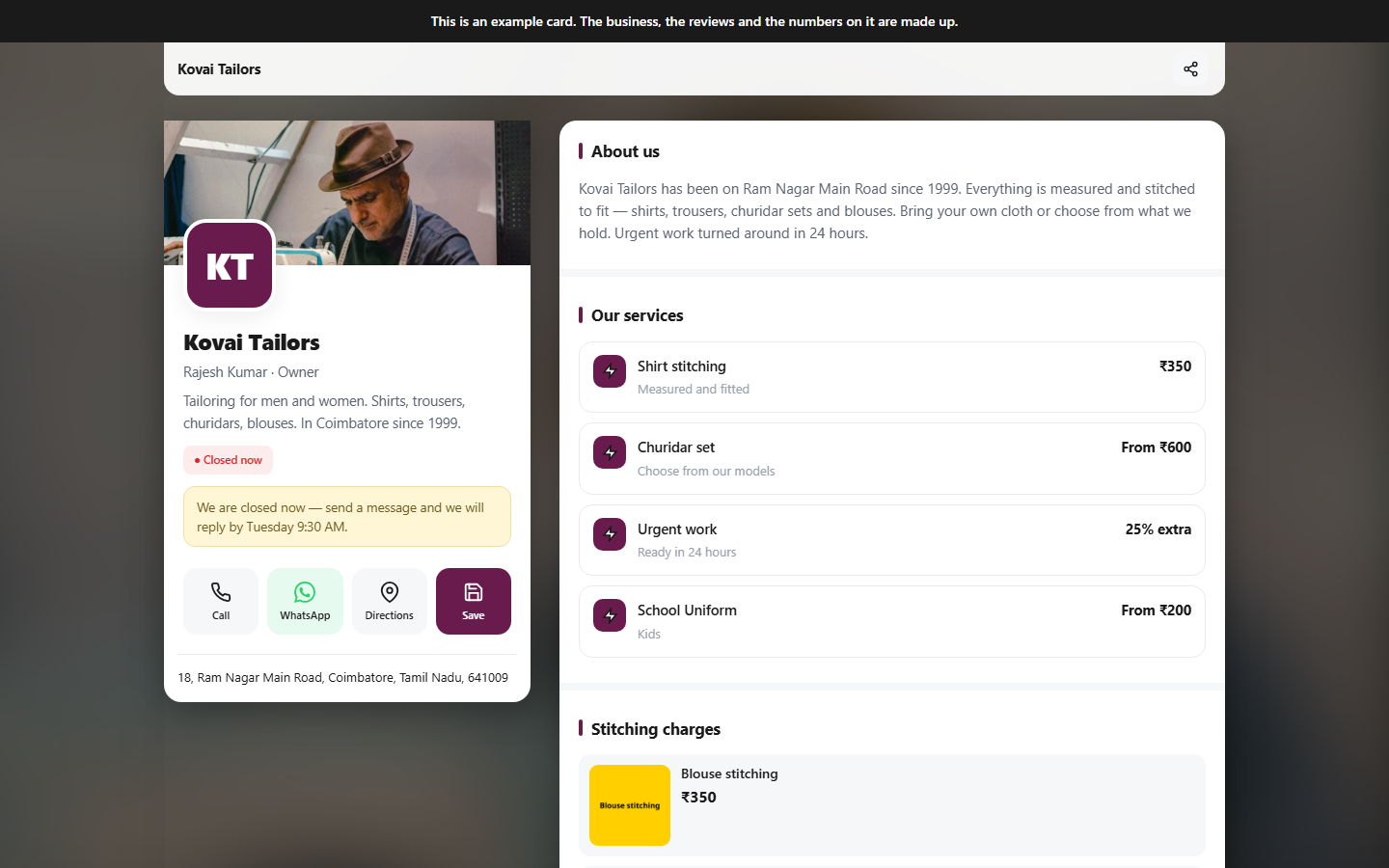
A complete mobile-friendly business website that customers can open, save and share from any device.
- Mobile editing with automatic saving
- Call, WhatsApp, directions and save contact
- Services, products, prices, gallery and opening hours
- Enquiries, quotations, bookings and business tools
- Google reviews, SEO checks and visitor analytics
- Own domain, hosting, SSL and two business emails
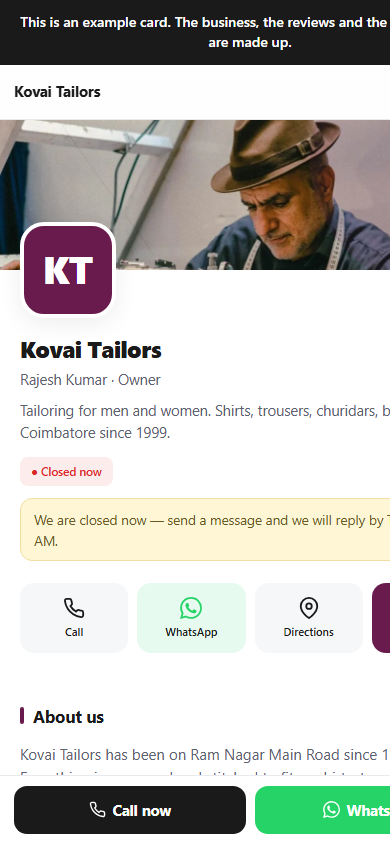
Responsive on every screenDesktop · tablet · mobile
Related Blogs