Practical guide 8 min read
WooCommerce vs Shopify is not a simple “better platform” contest. Both can support a professional online store, but they place control, hosting, maintenance, recurring tools and day-to-day operations in different places. The right choice depends on what you sell, how your team works, which integrations matter and who will maintain the store after launch.
This guide helps Indian business owners compare the two platforms before requesting a build. It does not use a universal winner or a temporary promotional price. If your catalogue, content and operating rules are not yet documented, begin with the business website launch checklist.
WooCommerce vs Shopify at a glance
| Decision area | WooCommerce | Shopify |
|---|---|---|
| Platform model | An open-source ecommerce plugin built for a WordPress site | A hosted commerce platform managed through Shopify |
| Hosting | The business selects and manages a suitable WordPress hosting environment | Hosting is part of the Shopify platform subscription |
| Customisation | Theme, plugin and custom-code decisions can provide extensive control | Themes, apps and platform APIs provide customisation inside Shopify’s model |
| Maintenance ownership | The store team must own WordPress, WooCommerce, theme, extension, backup and security maintenance | Shopify manages the core hosted platform; the merchant still owns catalogue, settings, apps, theme changes and business operations |
| Ongoing costs | Hosting, domain, paid extensions, payment services and maintenance vary by scope | Plan, domain, paid theme or apps, payment arrangements and development vary by scope |
| Best starting fit | Existing WordPress content, specific workflows or a need for broader technical control | A team that values managed infrastructure and a consolidated store administration experience |
This comparison is a planning aid. Neither column guarantees a lower total cost, faster store or easier operation. Catalogue size, product rules, integrations, theme quality, data, content and implementation discipline can change the outcome.
What WooCommerce gives the store owner
WooCommerce is an open-source ecommerce system that runs as part of WordPress. Its settings cover products, tax, shipping, payments, accounts, email and integrations, and additional themes or extensions can expand the store. This model can suit a business that already uses WordPress for content or requires a store workflow that should be controlled at website level.
The same flexibility creates operational responsibility. The owner needs a suitable host, tested backups, updates, security practices, extension licences and a clear maintenance process. A plugin or theme should not be added only because it is available; every dependency creates compatibility, performance and ownership questions.
WooCommerce’s official documentation describes the platform as highly extensible and open source, and explains that store files and data exist across the WordPress content directory and database. Review the current WooCommerce settings documentation and backup guidance when planning maintenance.
What Shopify gives the store owner
Shopify provides a hosted store administration environment for products, storefront design, payments and sales channels. Shopify’s official overview describes free and paid themes, free and paid apps, product administration and multiple selling channels. This can reduce the number of infrastructure decisions the merchant handles directly.
A managed platform does not remove business ownership. The merchant still needs accurate product data, navigation, policies, media, apps, payment configuration, domain control, user permissions and a process for ongoing changes. Store requirements must also fit what the selected plan, theme, apps and APIs can support.
Use the current Shopify platform overview, product documentation and store ownership guidance for platform-specific decisions.
Choose by business requirements, not platform popularity
1. Existing website and content workflow
If the business already publishes useful WordPress content, WooCommerce can keep the editorial site and store in one environment. If the business wants a new managed commerce operation and does not need its existing WordPress structure, Shopify may reduce migration and administration complexity. Audit the current site before assuming that it must be preserved or replaced.
2. Catalogue and product rules
Record product types, variants, bundles, subscriptions, custom fields, stock locations, price rules, taxes, shipping logic, returns and customer groups. A twenty-product catalogue with simple delivery rules is a different project from a catalogue with thousands of variants, multiple warehouses or business-specific pricing.
3. Payments, shipping and business integrations
List each required payment provider, courier, accounting tool, marketplace, CRM, inventory system, tax workflow and reporting destination. Confirm whether the integration is available, maintained in the target market and compatible with the chosen platform setup. If custom work is required, identify the API owner, data flow, failure handling and ongoing support responsibility.
4. Design and conversion requirements
Both platforms can support professional storefronts, but a purchased theme is not a finished customer journey. Define mobile navigation, product discovery, filters, trust information, delivery expectations, checkout steps and post-purchase communication. Test the actual catalogue and common mobile devices rather than approving only a desktop home page.
5. Search visibility and content ownership
Platform selection does not automatically create rankings. SEO still depends on crawlable architecture, unique category and product content, internal links, metadata, media, performance and useful information that matches search intent. Decide which pages own category, product, comparison and support queries before importing a large catalogue.
For broader page and conversion planning, review Agal Technologies’ website design service and its development-time SEO boundaries. Ongoing search growth should be scoped separately through the SEO service owner.
6. Team capability and maintenance
Ask who will add products, update prices, review orders, change content, manage access, test apps or extensions and approve technical updates. WooCommerce usually requires more direct ownership of the WordPress environment. Shopify reduces core infrastructure administration, but theme customisation, apps, data quality and commerce operations still need named owners.
Compare the total cost of ownership
A fair WooCommerce vs Shopify estimate uses the same requirements and time period. Avoid comparing one platform’s bare setup with the other platform’s fully configured store. Request a written list of included and excluded work.
Initial delivery
- Discovery and store architecture
- Theme design and responsive implementation
- Product and category setup
- Payments, shipping and tax configuration
- Content, migration, redirects and analytics
- Testing, launch and handover
Ongoing operation
- Hosting or platform subscription
- Paid themes, apps or extensions
- Payment and transaction arrangements
- Maintenance, backups and security
- Catalogue and campaign changes
- Support, monitoring and future development
Prices and third-party terms change, so use the platform’s current official plan and extension information when the quote is prepared. Agal Technologies’ current development scope is documented separately on the WooCommerce development page and Shopify development page.
A practical platform-selection process
- Define the store outcome. Name the target customers, products, markets and primary purchase journey.
- Document catalogue rules. Include variants, inventory, pricing, tax, shipping and returns.
- List required integrations. Verify availability, ownership and fallback options.
- Map content and SEO. Assign category, product, guide and support-page ownership.
- Build one representative flow. Test a real product, payment, shipping rule and order notification.
- Compare like-for-like quotes. Use the same scope, data and acceptance tests.
- Confirm business-owned access. Record domain, platform, payment, analytics and supplier accounts.
- Plan maintenance. Name owners for updates, catalogue changes, backups, app reviews and incidents.
Choose the platform whose constraints your business can operate confidently. A technically flexible store without maintenance ownership is risky; a managed store that cannot support a critical workflow is equally unsuitable.
When WooCommerce may be the stronger fit
- The business already has a useful WordPress website and editorial workflow.
- It needs deeper control over hosting, code, data handling or custom workflows.
- The team has dependable WordPress development and maintenance capability.
- The required integrations have a verified WooCommerce path.
- The business accepts responsibility for updates, backups, security and compatibility.
When Shopify may be the stronger fit
- The team prefers managed hosting and a consolidated commerce administration experience.
- The catalogue and workflows fit supported Shopify features, themes, apps or APIs.
- The business values a standardised operating environment over unrestricted platform control.
- The required payments, shipping and sales channels are verified for the target market.
- The owner understands subscription, app, theme and development responsibilities.
Questions to answer before requesting a store quote
- How many products, variants, categories and images are ready?
- Which countries, currencies, taxes and delivery methods are required?
- Which payment, courier, inventory and accounting systems must connect?
- Who supplies and approves product data, policies and media?
- Does an existing website need migration and URL redirects?
- Which analytics events and reports define a successful launch?
- Who owns the domain, platform, payment, theme, app and analytics accounts?
- Who maintains the store after handover?
Frequently asked questions
Is WooCommerce better than Shopify for SEO?
Neither platform creates strong SEO by itself. Both can support crawlable stores, metadata and useful content. The result depends on architecture, content quality, internal linking, technical implementation, performance and ongoing work. Choose the platform that supports the required search strategy without creating unowned maintenance.
Is Shopify easier to maintain than WooCommerce?
Shopify manages the core hosted platform, which reduces some infrastructure work. The merchant still manages catalogue data, themes, apps, settings, access and store operations. WooCommerce gives more direct environment control but requires explicit WordPress, extension, backup and security ownership.
Can a WooCommerce store migrate to Shopify?
Yes, but migration should be scoped around products, customers, orders, media, URLs, integrations, tracking and operational change. Data fields and platform behaviour may not map one-to-one. Test a representative sample before the full move.
Can a Shopify store migrate to WooCommerce?
Yes. The project still needs a suitable WordPress environment, data mapping, theme work, integrations, redirects, analytics, checkout testing and a maintenance plan. Exporting data is only one part of a safe migration.
Which platform is cheaper?
There is no universal answer. Compare the same catalogue, design, integrations, content, migration, third-party services, maintenance and support period. A low starting setup can become expensive if required functionality or ownership was excluded.
Need a recommendation based on your catalogue and workflows? Compare Agal Technologies’ WordPress and WooCommerce development with Shopify store development, then send the product count, integrations, target markets and current website for a scoped review.
WEBSITE PACKAGES
Choose the build that fits your business now
Clear starting scope. Extra work is priced before we begin.₹4,999 + GST
Up to 10 pagesDevelopment-time on-page SEO · extra content pages ₹300 each
Request a detailed quote →₹9,999 + GST
Up to 25 pagesSEO-ready structure · extra content pages ₹300 each
Request a detailed quote →₹9,999 + GST
Store build + hosting · up to 50-product catalogueProduct writing, image cleanup and SEO: ₹500 per product
Request a detailed quote →₹4,999 + GST
Up to 20 optimized productsExtra product ₹500 · extra standard page ₹250
Request a detailed quote →Visiting Card Website
Your business card, ready to share anywhere
A complete mobile-friendly business website that customers can open, save and share from any device.
- Mobile editing with automatic saving
- Call, WhatsApp, directions and save contact
- Services, products, prices, gallery and opening hours
- Enquiries, quotations, bookings and business tools
- Google reviews, SEO checks and visitor analytics
- Own domain, hosting, SSL and two business emails
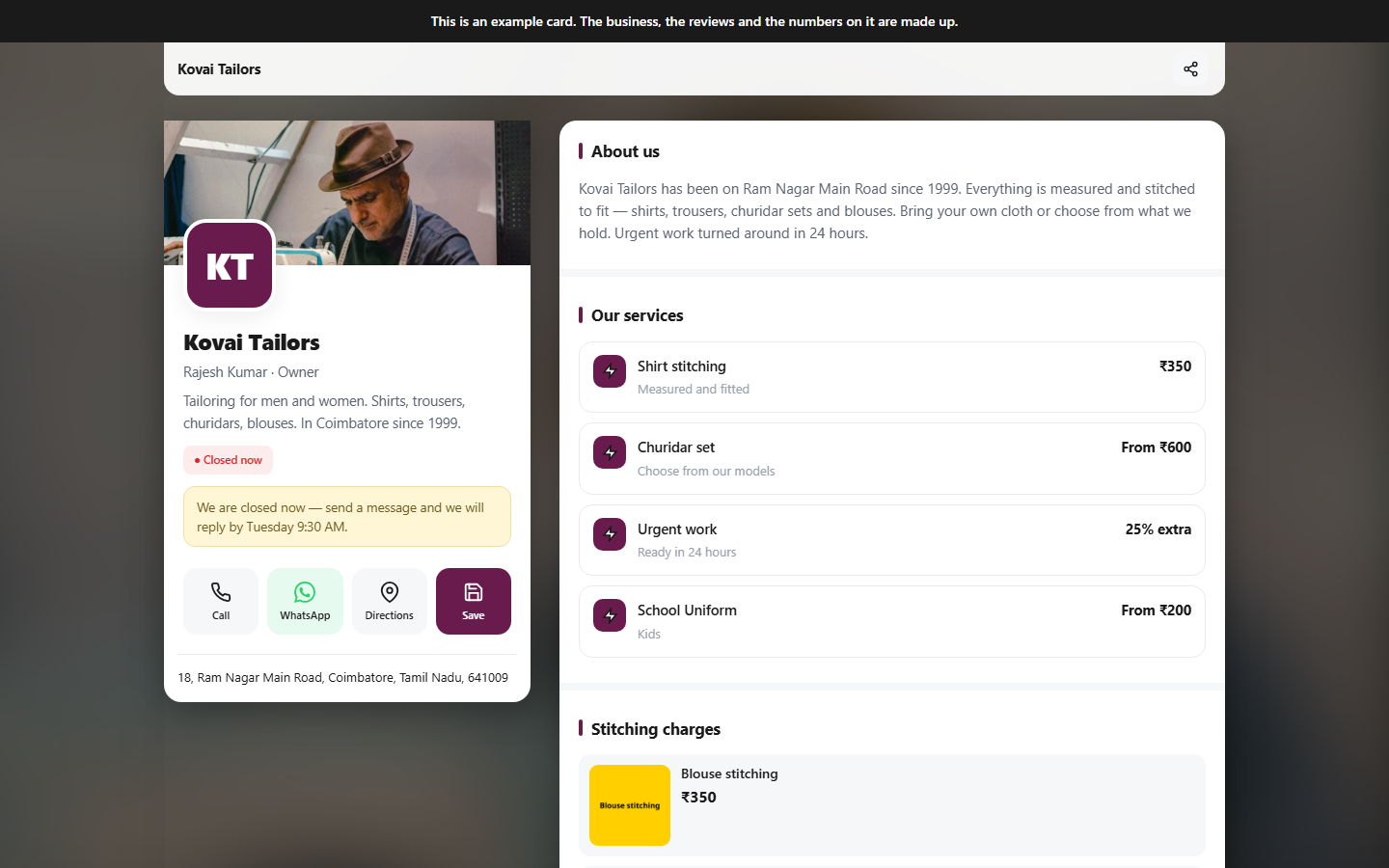
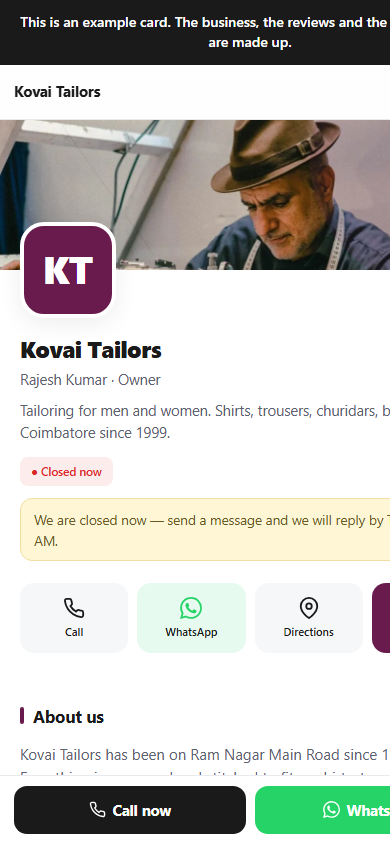
Responsive on every screenDesktop · tablet · mobile
Related Blogs