Practical guide 7 min read
A WordPress website maintenance checklist helps a small business keep its public information, enquiry paths and technical foundation dependable after launch. Maintenance is not only installing updates. It includes backups, restore testing, forms, security, performance, content accuracy, analytics and clear account ownership.
This guide explains the recurring checks a business can manage internally or include in a written care agreement. It supports the commercial Website Care service without replacing its plan and pricing information.
1. Record the website baseline
Keep a simple record of the domain, hosting, WordPress version, active theme, important plugins, forms, integrations and analytics property. Note the current administrator and where renewal notices are delivered.
Before a maintenance change, record the relevant versions and known issues. This makes it easier to distinguish an existing problem from one introduced by an update.
2. Confirm account ownership and access
The business should control its domain registration, hosting, WordPress administrator, Search Console, analytics and connected service accounts. Give each maintainer a named account with the minimum access needed for the agreed task.
- Remove access for people who no longer need it.
- Avoid sharing the primary owner password.
- Protect recovery email, multifactor access and backup codes.
- Record who can approve DNS, hosting and production changes.
- Review access after a supplier or employee changes.
3. Check backups and prove recovery
A backup is useful only when it contains the required files and database and can be restored. Confirm the backup schedule, retention, storage location and person responsible for recovery.
Keep at least one copy separate from the live hosting environment where practical. Perform controlled restore tests at an appropriate interval and record the result. Before a risky update, take a current backup and confirm how the previous version can be recovered.
4. Apply WordPress, theme and plugin updates carefully
Review release information and compatibility before updating. A maintenance window is safer than making unrelated changes immediately before an important campaign or event.
- Confirm a usable backup and current administrator access.
- Identify updates and the website features they may affect.
- Use staging for higher-risk changes when available.
- Apply updates in a traceable sequence.
- Clear the relevant cache.
- Test priority pages, forms, login, checkout and integrations.
- Record versions, result and any follow-up work.
Do not leave an unsupported component active only because the layout still appears normal. If an update cannot be applied safely, document the compatibility problem and replacement plan.
5. Test customer contact paths
A website can remain online while quietly losing enquiries. Submit every important form using a realistic test, confirm validation and verify that the message reaches the intended person or system.
- Contact and quote forms.
- Phone, email and WhatsApp actions.
- Booking confirmation and reminders.
- Newsletter or lead-magnet delivery.
- Checkout, payment and order notification.
- CRM, spreadsheet or automation connections.
Check the full path, not only the success message shown in the browser. Record who should receive the enquiry and the expected response process.
6. Review security signals and unexpected changes
Look for unfamiliar administrator accounts, changed settings, unexpected redirects, new files, spam pages and unusual traffic or login patterns. Keep security tools configured to notify an accountable person rather than a mailbox nobody monitors.
Use unique credentials, multifactor authentication where supported and secure transfer methods for sensitive access. If compromise is suspected, preserve relevant evidence, restrict access and follow a documented incident and recovery process.
7. Monitor uptime, errors and hosting health
Automated uptime monitoring can reveal outages, but it should be paired with a real page and workflow check. Review server errors, exhausted storage, certificate warnings, failed scheduled tasks and resource limits.
Assign an alert destination and escalation owner. An alert without a response rule only records that the failure happened.
8. Maintain performance without breaking the site
Track important templates on mobile, especially the home page, service pages and conversion path. Large images, third-party scripts, page builders, fonts and new plugins can gradually increase loading work.
- Compress and size images for their displayed use.
- Remove unused plugins and scripts after checking dependencies.
- Review caching after design, form or content changes.
- Check layout stability and the largest visible content.
- Test on a realistic mobile connection as well as office broadband.
Measure before and after a performance change. A high score is not useful if forms, analytics or customer content stop working.
9. Find broken links and outdated destinations
Check important internal and external links, including menu items, service cards, downloads, social profiles and policy references. Update a link when a better live destination exists; use a redirect when a valuable internal URL must move.
Do not redirect every removed page to the home page. The replacement should satisfy the same or a closely related purpose. If no relevant replacement exists, a clear not-found response may be more accurate.
10. Keep business information consistent
Review the business name, address or genuine service-area description, phone, email, hours and contact instructions wherever they appear. Update important external profiles when a verified business detail changes.
Check service scope, staff references, prices, delivery statements and calls to action. Old content can create customer problems even when it has no technical error.
11. Review pages and SEO ownership
Confirm that each important commercial intent has one preferred page. Improve existing useful pages before creating another URL. Review titles, descriptions, headings, canonical tags, indexability and internal links after material content or template changes.
Check Search Console for indexing changes, crawl problems and query movement. Investigate the affected pages rather than reacting to a single daily position. The small business SEO audit checklist provides a broader review when maintenance reveals search-performance problems.
12. Validate analytics and conversions
Confirm that analytics loads where intended and that important events still record the correct actions. Compare a test submission with the analytics event and the business-side receipt.
Keep measurement focused on useful outcomes such as qualified enquiries, bookings or sales. A maintenance report should distinguish visits from completed customer actions.
13. Maintain privacy, consent and policy content
Review whether forms, cookies, analytics and integrations match the current privacy information and approved business process. Remove unnecessary collection and restrict access to submitted data.
Legal and regulatory requirements depend on the business and users. The business should obtain appropriate advice and supply approved policy content; a website maintainer should not invent it.
14. Keep licences and third-party services visible
Maintain an inventory of premium themes, plugins, fonts, stock assets, email services, payment systems and APIs. Record the account owner, renewal date, cost responsibility and website features affected.
When a licence or service is removed, test the customer workflow and administrative process that depended on it. A missed renewal can affect security updates or production functionality.
15. Use a written maintenance request
For each content or technical change, include the exact page, current problem, approved input and expected result. Name the reviewer and deadline when timing matters.
Separate recurring care from redesigns, new features, malware recovery and large content production. A clear boundary protects the maintenance allowance and allows larger work to be assessed properly.
Suggested maintenance rhythm
| Rhythm | Typical review | Record |
|---|---|---|
| Continuous or frequent | Uptime, critical errors, security alerts and customer failures | Alert, owner and resolution |
| Weekly | Backups, important forms and high-change content | Check result and exception |
| Monthly | Updates, broken links, performance, analytics and account access | Versions, affected pages and actions |
| Quarterly or planned | Restore test, content accuracy, SEO ownership, licences and roadmap | Decision and next priority |
The correct frequency depends on the website’s complexity, change rate and business risk. A catalogue or checkout usually needs closer operational attention than a stable brochure site.
Website maintenance handover checklist
- Domain, hosting and administrator ownership confirmed.
- Current files, database and restore instructions available.
- Theme, plugin and custom-code inventory supplied.
- Forms, integrations and notification destinations documented.
- Analytics, Search Console and conversion events identified.
- Licence and renewal responsibilities recorded.
- Known issues and recent change history supplied.
- Old supplier access removed after acceptance.
Frequently asked questions
How often should a WordPress website be maintained?
The rhythm depends on website complexity, updates and business risk. Critical alerts may need immediate review, while updates, forms, backups, links and analytics should follow a documented recurring schedule.
Does WordPress maintenance include website redesign?
Not automatically. Maintenance keeps an existing site accurate and dependable. New layouts, major content restructuring and custom functionality should be defined as redesign or development work.
Can automatic updates replace website maintenance?
No. Automation can apply or report an update, but the business still needs backups, compatibility checks, workflow testing, monitoring and a person responsible for exceptions.
Who should own the website and hosting accounts?
The business should normally retain ownership of its domain, hosting, WordPress administration, analytics and connected accounts, then grant named access required for maintenance.
For help maintaining an existing business site, compare Agal Technologies’ Website Care plans and boundaries. If you are unsure whether recurring maintenance is still enough, use the website redesign vs rebuild guide to decide whether the structure, content or platform needs broader work. For a new build or major structural change, use the website design brief checklist and review the main Web Design service.
WEBSITE PACKAGES
Choose the build that fits your business now
Clear starting scope. Extra work is priced before we begin.₹4,999 + GST
Up to 10 pagesDevelopment-time on-page SEO · extra content pages ₹300 each
Request a detailed quote →₹9,999 + GST
Up to 25 pagesSEO-ready structure · extra content pages ₹300 each
Request a detailed quote →₹9,999 + GST
Store build + hosting · up to 50-product catalogueProduct writing, image cleanup and SEO: ₹500 per product
Request a detailed quote →₹4,999 + GST
Up to 20 optimized productsExtra product ₹500 · extra standard page ₹250
Request a detailed quote →Visiting Card Website
Your business card, ready to share anywhere
A complete mobile-friendly business website that customers can open, save and share from any device.
- Mobile editing with automatic saving
- Call, WhatsApp, directions and save contact
- Services, products, prices, gallery and opening hours
- Enquiries, quotations, bookings and business tools
- Google reviews, SEO checks and visitor analytics
- Own domain, hosting, SSL and two business emails
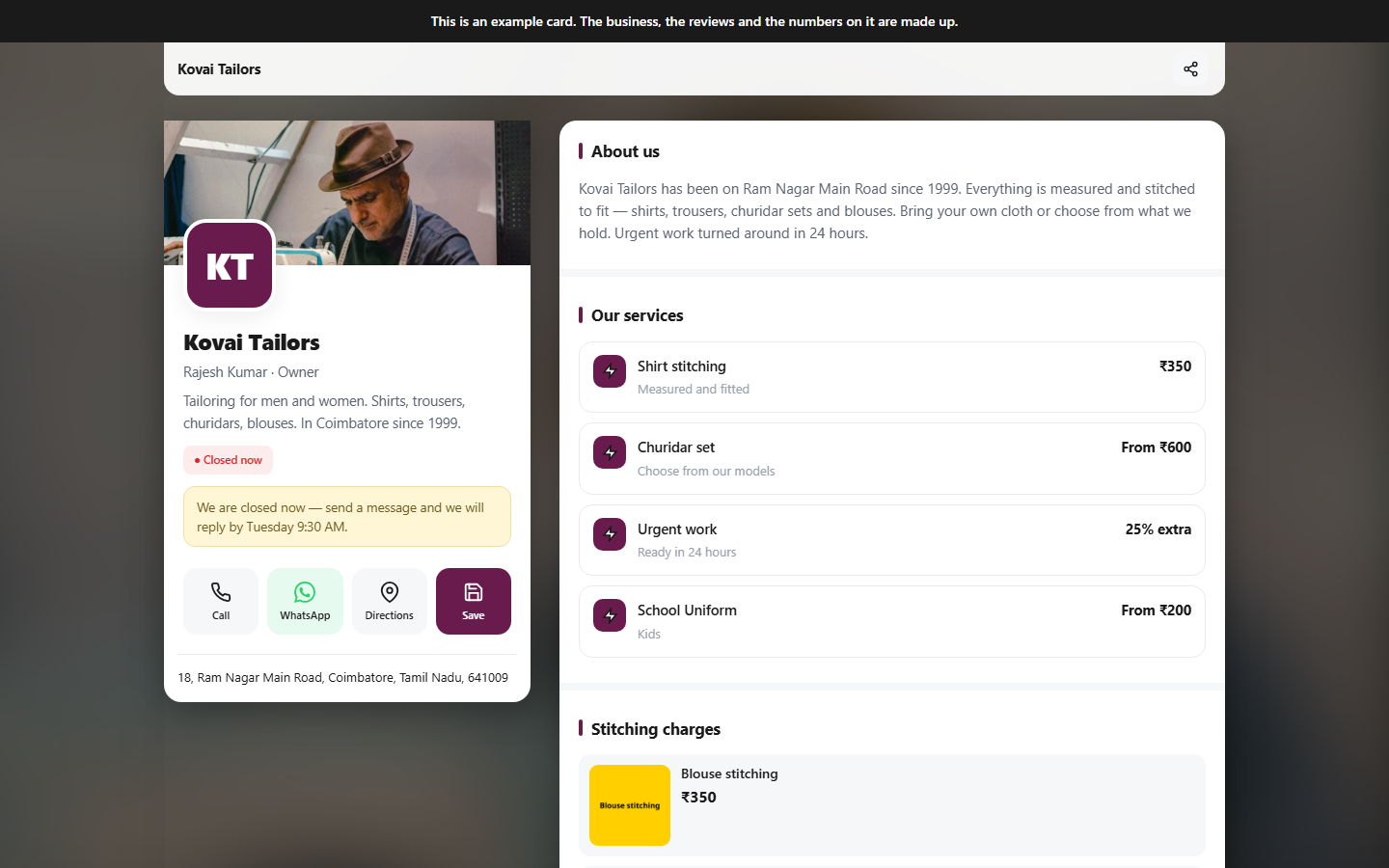
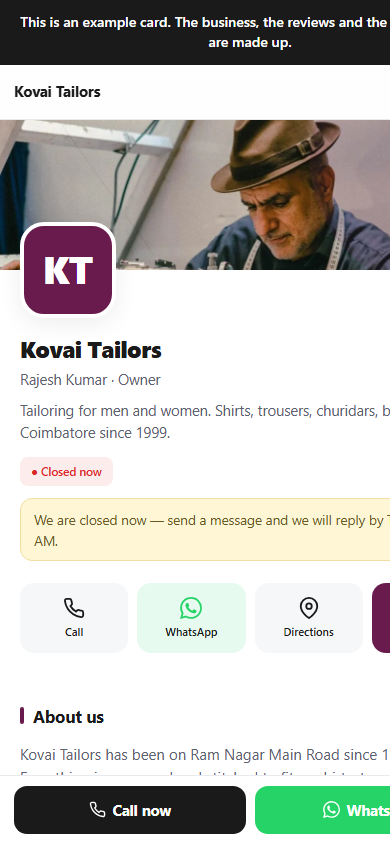
Responsive on every screenDesktop · tablet · mobile
Related Blogs