Practical guide 5 min read
A CCTV system works best when it is planned around the property rather than selected only by camera count. Entry points, lighting, cable routes, recording needs and remote access all affect the final result. This checklist helps homes, shops, offices, apartments, warehouses and other properties in Coimbatore prepare for a professional CCTV installation assessment.
Installation and on-site service discussed in this guide are limited to Tamil Nadu. CCTV product supply for customers elsewhere in India is available separately through buycctvs.com.
1. Define what the system needs to observe
Begin with the purpose of the system. A camera intended to observe a wide parking area has a different job from one intended to identify a person at an entrance. Write down the areas that matter and the type of detail needed in each area.
Common priorities include:
- Main entrances and exits
- Vehicle gates and parking areas
- Cash counters or reception desks
- Storage rooms and restricted areas
- Staircases, corridors and common areas
- Loading zones or warehouse access points
This list helps the installer distinguish between general observation and areas where identification detail is important.
2. Walk through the property at different times
A location can look very different in the morning, afternoon and night. Strong sunlight, headlights, reflections and dark corners can affect usable footage. Review important areas when lighting conditions change.
Note doors that remain open, shutters that block a view, trees that move in the wind and lights that switch off after business hours. These details help determine suitable mounting positions and whether additional lighting or a different camera type should be considered.
3. Prioritise camera placement before equipment
More cameras do not automatically produce better coverage. A smaller number of correctly positioned cameras can be more useful than several cameras with overlapping or obstructed views.
Avoid positions where the camera mainly records a wall, ceiling, bright sky or moving object close to the lens. Consider the likely path of a person or vehicle and place the camera where the required detail can be captured. Final positions should be confirmed during an on-site assessment.
4. Check mounting height and physical access
Cameras should be protected from easy tampering while still providing the required viewing angle. Excessive height can reduce identification detail, while a low position may be vulnerable to damage. The appropriate height depends on the property, camera view and purpose.
Also check whether technicians can safely reach the position for installation and future maintenance. Roof edges, fragile surfaces, high industrial structures and areas near electrical equipment may require additional planning.
5. Plan cable routes and network connectivity
For wired systems, identify practical routes between each camera and the recording or network equipment. Cables should be protected, organised and kept away from conditions that could damage them. Long or difficult routes can affect equipment selection and installation work.
For IP cameras and remote viewing, review network availability and router placement. Remote access depends on a stable internet connection; it should not be treated as a replacement for local recording unless the system is specifically designed that way.
6. Select a safe location for recording equipment
The DVR, NVR or other recording equipment should not be placed where it is immediately visible or easily removed. Choose a ventilated, protected location with reliable power and suitable cable access.
Authorised users should be able to reach the equipment when maintenance is needed. Record account details securely and avoid sharing administrator credentials with unnecessary users.
7. Decide how much footage must be retained
Storage needs depend on camera count, resolution, recording mode, frame rate and the number of days footage must be retained. Continuous recording generally requires more storage than motion-based recording.
Define the operational requirement first. A business may have internal policies or regulatory needs that influence retention. The installer can then calculate an appropriate storage configuration instead of guessing.
8. Plan power and backup requirements
Identify reliable power sources for cameras, network devices and recording equipment. In areas with interruptions, discuss whether backup power is needed and which components should remain active.
Do not connect security equipment through overloaded extensions or unsafe temporary wiring. Power planning should be coordinated with qualified electrical work where required.
9. Protect privacy and control access
Cameras should serve a legitimate security purpose and avoid private areas. Inform relevant occupants, staff or visitors when appropriate. Businesses should establish who can view live footage, export recordings or change system settings.
Use strong, unique passwords. Change default credentials, keep apps and device firmware maintained where supported, and remove access when a staff member or service provider no longer requires it.
10. Test the system before sign-off
Check every camera during daytime and low-light conditions. Confirm the field of view, image clarity, date and time, recording playback and remote access. Verify that important areas are visible and that there are no unexpected blind spots.
Ask for a basic handover covering playback, exporting footage, password management and whom to contact for service. Keep a secure record of the equipment and authorised users.
Questions to ask during a CCTV site assessment
- Which areas require identification detail rather than general observation?
- How will night lighting affect each camera?
- Where will cables and recording equipment be located?
- How is required storage calculated?
- What internet connection is needed for remote viewing?
- How will users receive access and manage passwords?
- What testing and handover will be completed?
Frequently asked questions
How many CCTV cameras does a property need?
There is no universal number. It depends on the entrances, layout, blind spots and level of detail required. A site assessment is the appropriate way to decide coverage.
Can CCTV footage be viewed on a phone?
Many current systems support authorised remote viewing when the equipment, app and internet connection are configured correctly. Access should be protected with strong credentials.
Should cameras record continuously or only on motion?
Both approaches can be appropriate. The decision depends on the site, storage requirement and importance of continuous coverage. Motion settings should be tested to reduce missed activity and unnecessary alerts.
Do you install CCTV systems outside Tamil Nadu?
No. Agal Technologies provides CCTV installation and on-site service only within Tamil Nadu. Customers elsewhere in India can purchase CCTV products through buycctvs.com and arrange installation locally.
For a site-specific assessment, visit our CCTV camera installation in Coimbatore service page.
Visiting Card Website
Your business card, ready to share anywhere
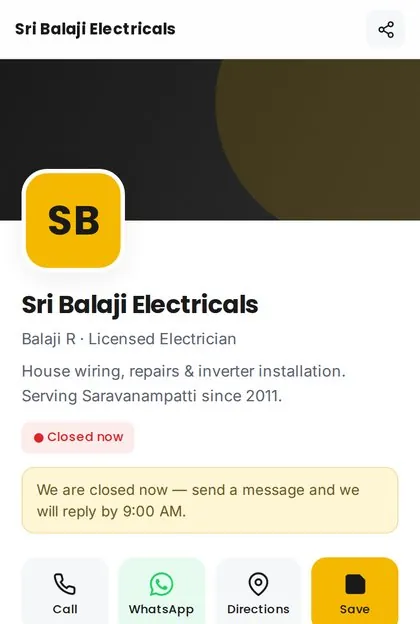
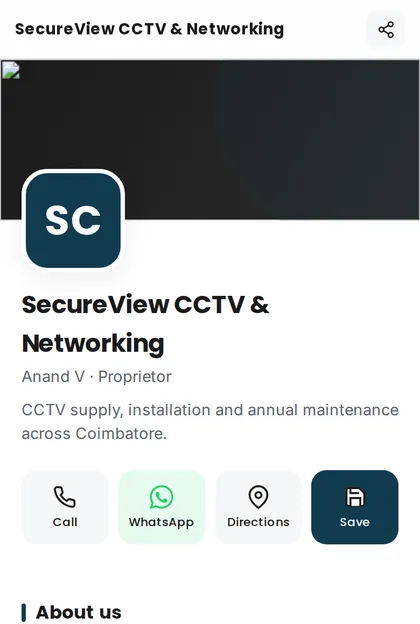
Give customers one mobile-friendly link for calling, WhatsApp, directions, services and contact saving. Swipe through the live examples.








Related Blogs