
Start with the main task
Identify what the visitor should do first: view a menu, book an appointment, compare a property or open a product. The primary action should be understandable without searching through several sections.
HOW TO REVIEW A DEMO
A live website demo is useful because you can test how a visitor moves from the first screen to a meaningful action. Use these checks to decide which structure fits your business before discussing branding and content.
Identify what the visitor should do first: view a menu, book an appointment, compare a property or open a product. The primary action should be understandable without searching through several sections.
On a narrow screen, open navigation, tap controls and inspect sample form labels and feedback. Do not enter real personal details or expect the concept to send bookings, enquiries or orders. A desktop screenshot cannot reveal cramped controls, long forms or content that becomes difficult to scan.
The sample name, colours and images are illustrative. Review the page order and interaction pattern first; your own logo, services, photographs, proof and calls to action will shape the final design.
List the content your team must update after launch—prices, products, listings, doctors, offers or opening hours. That determines the editing workflow, training and any custom administration needed in the final scope.
Already know which structure fits? Send the demo name and your website requirements.
WEBSITE PACKAGES
Development-time on-page SEO · extra content pages ₹300 each
Request a detailed quote →SEO-ready structure · extra content pages ₹300 each
Request a detailed quote →Domain and hosting separate · custom content quoted separately
Request a detailed quote →50 / 100 / 150 product packages available · subscription separate
Request a detailed quote →Visiting Card Website
A complete mobile-friendly business website that customers can open, save and share from any device.
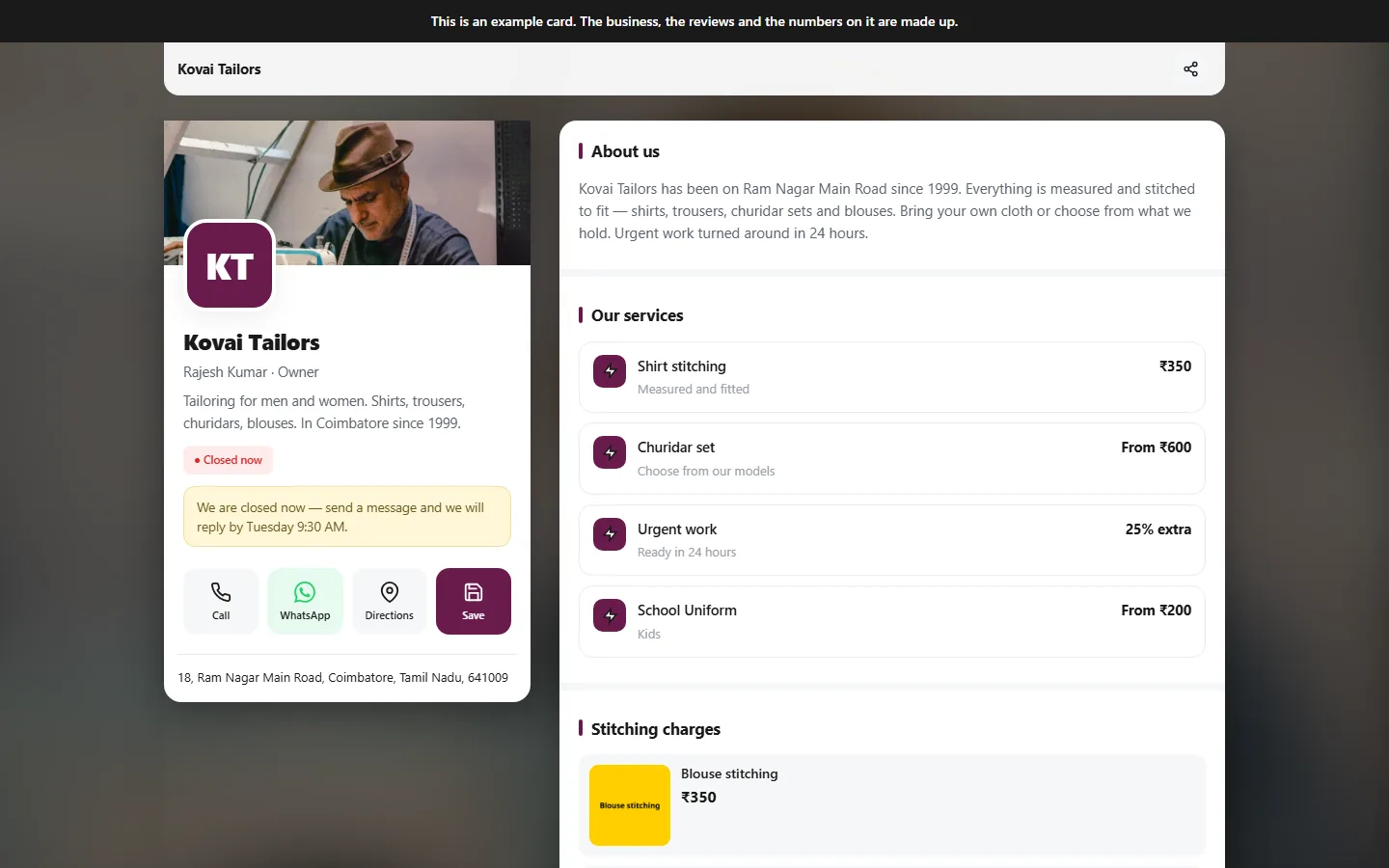
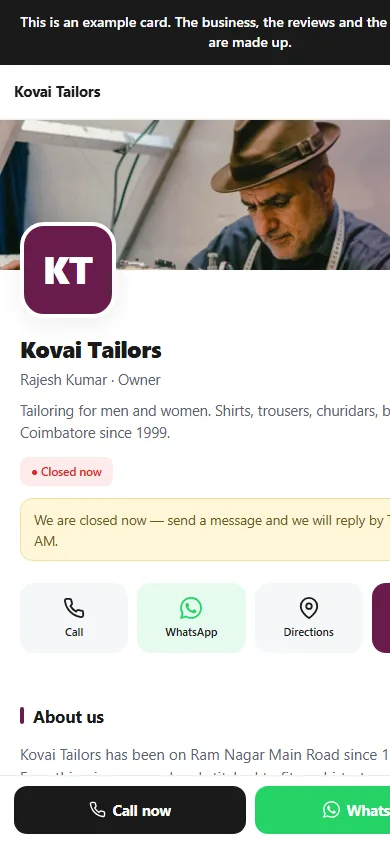
Responsive on every screenDesktop · tablet · mobile